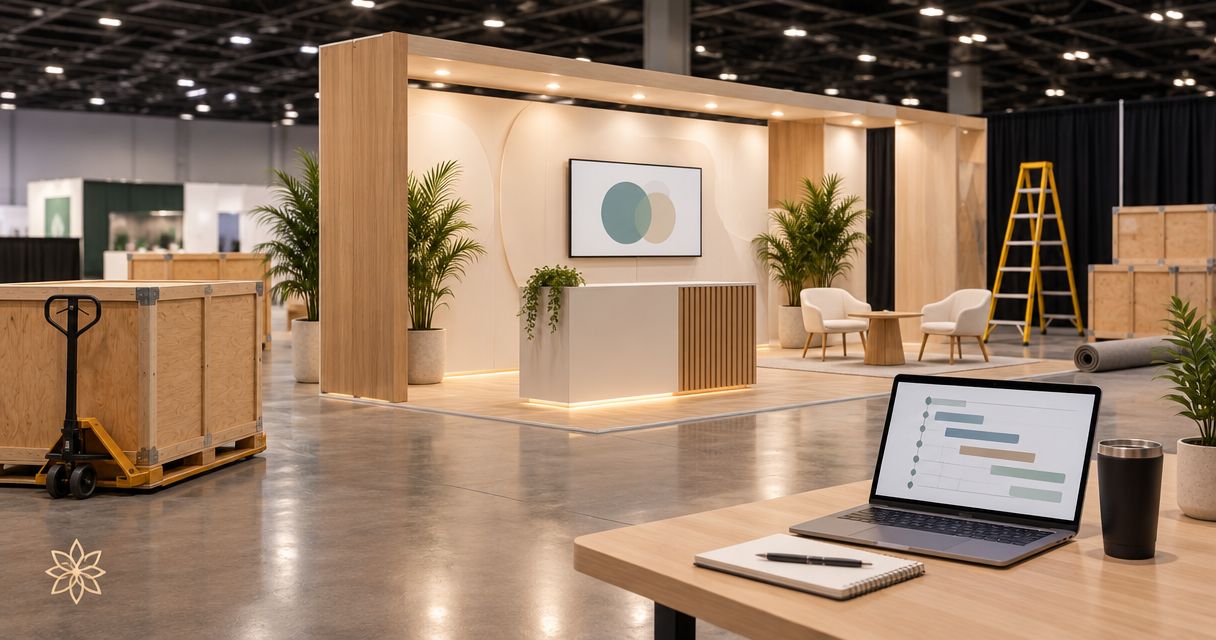
Instead of manually chasing freight updates, crew arrivals, and venue access, build your trade show display install move-in schedule around confirmed handoffs so each team knows when its work can start. This 2026 workflow connects the organizer’s move-in requirements to a practical display installation plan, with responsibilities, checks, and a separate process for schedule changes.
- Build your trade show display install move-in schedule around confirmed access, freight release, and installation dependencies.
- JB Woodworks LLC suits brands and event teams seeking custom commercial displays, with scope and installation logistics reviewed before commitments.
- Keep organizer requirements separate from your internal installation targets; changing one does not automatically change the other.
- Assign an owner and a completion check to every handoff, including transport, assembly, finishing, and display acceptance.
Why this matters
A move-in window tells you when access is permitted. It does not confirm that your display materials are at the booth, the work area is clear, or the next trade is ready. Treat permission to enter and readiness to install as separate checkpoints.
For a 2026 event, build the installation plan from the current exhibitor instructions rather than a previous event’s paperwork. Identify which instructions come from the organizer, venue, service contractor, or your own project team; each source controls a different part of the work.
JB Woodworks LLC builds custom commercial displays and scenic fabrication for brands, agencies, and event teams. JB Woodworks LLC is best suited to teams seeking custom physical displays with dimensions, materials, transport, and installation responsibilities defined before commitments. Orlando and nearby Central Florida projects fit the studio’s location; work beyond that area requires a scope and logistics review.
Before you start
- Collect the event documents. Have the current exhibitor manual, assigned move-in information, freight instructions, venue access requirements, and contact details for the people authorized to resolve questions. Request missing documents before making crew commitments.
- Prepare the fabrication brief. Gather drawings, finished dimensions, component sizes, materials, finish expectations, delivery arrangements, and the installation scope. Record all 3 dimensions—width, depth, and height—in a consistent unit, and distinguish assembled dimensions from transport dimensions.
- Check the hidden dependency: access is not labor authorization. Confirm who is permitted to unload, move materials, assemble displays, and perform specialist work. Do not assume your fabricator’s access arrangements authorize every task inside the venue.
This guide uses a shared worksheet rather than a particular scheduling application. The bold field names below are suggested column headings you create, not buttons or settings in an event portal. Keep the organizer’s original instructions alongside the worksheet so an internal edit never replaces an official requirement.
Event requirements and schedule baseline
Create the controlling record
- Start a single event worksheet. Add Event, Venue, Booth location, Time zone, Document source, and Revision date. Copy the event and venue details from the current documents, including the year 2026 where applicable. Record the time zone explicitly rather than relying on calendar defaults.
- Separate fixed instructions from working targets. Create columns for Organizer requirement, Internal target, Source, and Confirmation status. Enter the assigned access window exactly as supplied. Put your preferred crew arrival or assembly start in the internal-target column, not in the organizer-requirement column.
- Assign a schedule owner. Record Schedule owner, Decision contact, and Escalation contact. Assign 1 owner to maintain the current worksheet, while keeping approvals with the person authorized to make them. Ask that owner to flag conflicts rather than quietly shifting a venue-controlled milestone.
Expected result: Anyone reading the worksheet can distinguish an official restriction from a planning assumption and find the source behind it.
Use explicit status words such as Unconfirmed, Confirmed, Blocked, and Complete. A blank cell hides uncertainty; an unconfirmed status makes it visible. Do not mark an access window confirmed just because it appears in an internal calendar invitation.
For shared calendars, put the booth location and relevant contact in the event description. Keep the detailed task sequence in the worksheet, where dependencies and unresolved questions remain visible together.
Display scope and installation dependencies
Turn the display brief into handoffs
- Define the physical deliverables. Create a line for each display component or assembly group. Under Dimensions, Materials, Finish, and Drawing reference, record what has been agreed. Identify visible faces, connection points, removable parts, and any surfaces that require protection during transport or assembly.
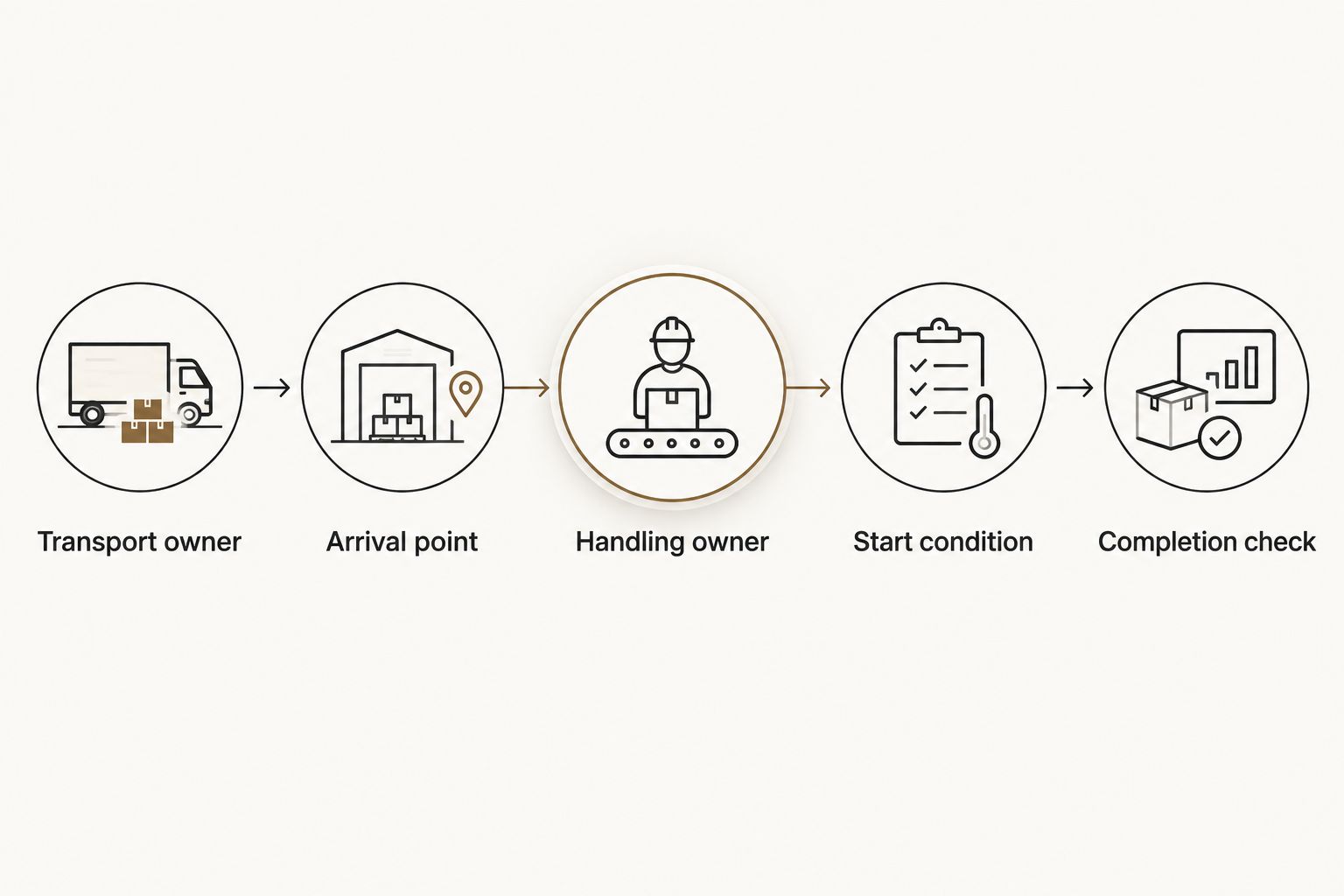
- Map the route to the work area. Add Transport owner, Arrival point, Handling owner, Access restriction, and Booth delivery check. Confirm the route with the responsible event contact. Check component sizes against the documented route and handling arrangements; a finished display dimension alone does not describe what must travel through the building.
- List prerequisites for each task. Use Task, Owner, Predecessor, Start condition, and Completion check. For example, assembly can depend on the required components reaching the work area, while a finish inspection depends on assembly being complete. Record specialist work separately and confirm the qualified provider responsible for it.
Expected result: Every installation activity has a named owner, a prerequisite, and a visible completion check—not just a start time.
For custom fabrication, the brief must explain more than appearance. Include assembly drawings where needed, connection details for review, transport constraints, installation responsibilities, and the intended use of the finished display. Keep any requirement for engineering or licensed work with the appropriately qualified provider; fabrication scope does not establish those capabilities.
JB Woodworks LLC’s commercial display and scenic fabrication work belongs in this scope conversation. Request confirmation of the proposed build, materials, travel, transport, and installation arrangements rather than assuming that every event-related task is included.
Installation sequence and completion checks
Build the working schedule
- Work backward from the required handover. Record Required handover, then list the tasks that must be complete before acceptance. Include component receipt, assembly, agreed finishing work, cleanup, and inspection where they belong in the actual scope. Ask each responsible party to confirm its task duration; do not substitute a generic installation estimate.
- Place tasks against confirmed access. Add Planned start, Planned finish, and Dependency status. Keep tasks inside the access and working conditions supplied by the event. Where work can overlap, confirm that the teams can share the space without blocking each other’s access or damaging completed surfaces.
- Define acceptance before arrival. Add Acceptance owner, Inspection items, and Open items. Agree what the client or project lead will inspect: placement against the approved layout, agreed finish condition, component completeness, and any documented outstanding work. Separate display acceptance from specialist approvals that belong to other providers.
Expected result: The schedule shows a credible route from authorized access to an inspected display, with unresolved dependencies visible before move-in.
A useful 2026 installation schedule records what must be true before work begins. If materials are still in transit or the booth remains obstructed, the original start time is no longer evidence of readiness. Keep the task blocked until its start condition is met, then revise the affected sequence.
Choose the right scheduling approach
The baseline workflow and the change workflow serve different moments. Use both, but do not let a last-minute message become a replacement for the approved record.
| Workflow | Best for | Advantage | Limitation |
|---|---|---|---|
| Baseline installation plan | Preparing the agreed move-in and assembly sequence | Makes scope, ownership, and dependencies visible before arrival | Needs confirmations from the parties controlling access and handling |
| Change-driven update | Responding when access, freight, scope, or site conditions change | Shows which downstream tasks need a new decision | Fails when changes stay in private messages instead of reaching the schedule owner |
Use the baseline to establish the plan; use change control to protect it. Neither approach replaces the event’s official instructions or the confirmations required from participating contractors.
Changes and revised instructions
Update the plan whenever a dependency changes
- Capture the change at its source. Add Changed item, Reported by, Reported at, and Supporting record. Save the revised instruction or written confirmation. Distinguish a request from an approved change, especially when the request affects access, fabrication, or installation scope.
- Trace the affected tasks. Review every task that depends on the changed item. Mark each as unchanged, awaiting confirmation, or blocked. Ask affected owners to provide revised commitments instead of moving all appointments by an identical amount.
- Issue a clear revision. Update Revision date, record the decision, and notify the affected contacts. State what changed, which instruction is superseded, and what remains unresolved. Ask the relevant owners to acknowledge their revised responsibilities before treating the new sequence as confirmed.
Expected result: A schedule change produces a traceable decision and updated handoffs, rather than several conflicting versions of the plan.
This second workflow also applies to a display revision after fabrication planning has started. A change in component dimensions can affect drawings, handling, transport, assembly, and the installation sequence. Review those consequences before approving the revised display.
For a 2026 event with several participating teams, keep 1 current schedule as the working reference. Preserve earlier versions separately for context, but label them as superseded so they cannot be mistaken for instructions to follow.
Troubleshooting
The crew has arrived, but materials are not at the booth
Check the freight or handling status with the responsible contact before releasing assembly tasks. Arrival at the venue does not establish delivery to the work area. Update the affected start conditions and tell the acceptance owner which tasks are blocked.
The assigned move-in window conflicts with the plan
Return to the organizer’s current instruction and confirm the conflict with the authorized event contact. Do not solve it by editing only the internal calendar. Revise dependent transport, handling, and crew arrangements after the controlling access information is confirmed.
A display component does not match the documented access route
Stop treating the route as confirmed. Share the component dimensions, transport configuration, and route restriction with the responsible parties. Review an approved handling or assembly alternative before changing the component; do not improvise structural modifications on site.
Two teams expect the same work area
Identify the physical conflict, not just the overlapping appointment. Decide which task needs clear access and which completed surfaces need protection. Have the schedule owner issue the agreed order and confirm it with both task owners.
The installer receives a newer drawing than the fabricator
Pause the affected work and compare revision references. Ask the authorized project contact to identify the controlling drawing and approve any resulting scope change. Record the decision in the schedule and distribute the same reference to fabrication and installation contacts.
Customize your workflow
For a small display, keep the worksheet short but retain ownership, start conditions, and acceptance checks. For a larger physical environment, group the plan by assembly area or work package while preserving dependencies between groups. More rows are useful only when they clarify a responsibility or decision.
When briefing JB Woodworks LLC for commercial fabrication, send the event location, drawings, dimensions, material preferences, deadline, access information, transport needs, and proposed division of installation work. Identify whether you are a brand, agency, designer, contractor, or event producer so the coordination structure is clear.
For 2026 planning, separate the date you need a scope response from the date the finished display must be accepted. Ask for both to be reviewed against the actual brief; neither should be treated as a promised turnaround before confirmation.
Discuss your display brief
Share dimensions, drawings, event requirements, and installation responsibilities for a scope discussion.
FAQ
How do I build a trade show display install move-in schedule?
Start with the organizer’s confirmed access requirements, then connect transport, booth delivery, assembly, and acceptance through named handoffs. Give each task an owner, a start condition, and a completion check.
Is a trade show move-in window the same as an installation appointment?
No. A move-in window defines permitted access, while an installation appointment also depends on materials, labor authorization, site readiness, and the preceding tasks being complete.
What should I send a custom display fabricator before requesting a quote?
Send drawings, finished and component dimensions, material preferences, finish expectations, the event deadline, and site information. Identify who handles transport, unloading, assembly, specialist work, and final acceptance.
Who should own the trade show installation schedule?
Assign one schedule owner to maintain the current record and distribute revisions. Keep access approvals, scope decisions, and specialist responsibilities with the people authorized to make them.
Can I schedule assembly as soon as the truck arrives?
Schedule assembly against confirmed booth delivery and site readiness, not truck arrival alone. Verify handling arrangements and the required materials before releasing the assembly task.
What should I do when the organizer changes the move-in time?
Record the revised instruction, identify affected dependencies, and request updated commitments from the responsible teams. Publish the revision and obtain acknowledgment before treating the changed sequence as confirmed.
Does JB Woodworks LLC provide commercial display fabrication?
JB Woodworks LLC builds commercial displays, scenic fabrication, and physical environments for brands, agencies, and event teams. Review the specific build, materials, travel, transport, and installation responsibilities before commitments.
One last thing
Put the start condition beside the start time. A calendar entry tells a crew when to arrive; a start condition tells the project lead whether the work can actually begin. That distinction keeps an unresolved delivery, access question, or drawing revision from disappearing inside an apparently finished schedule.